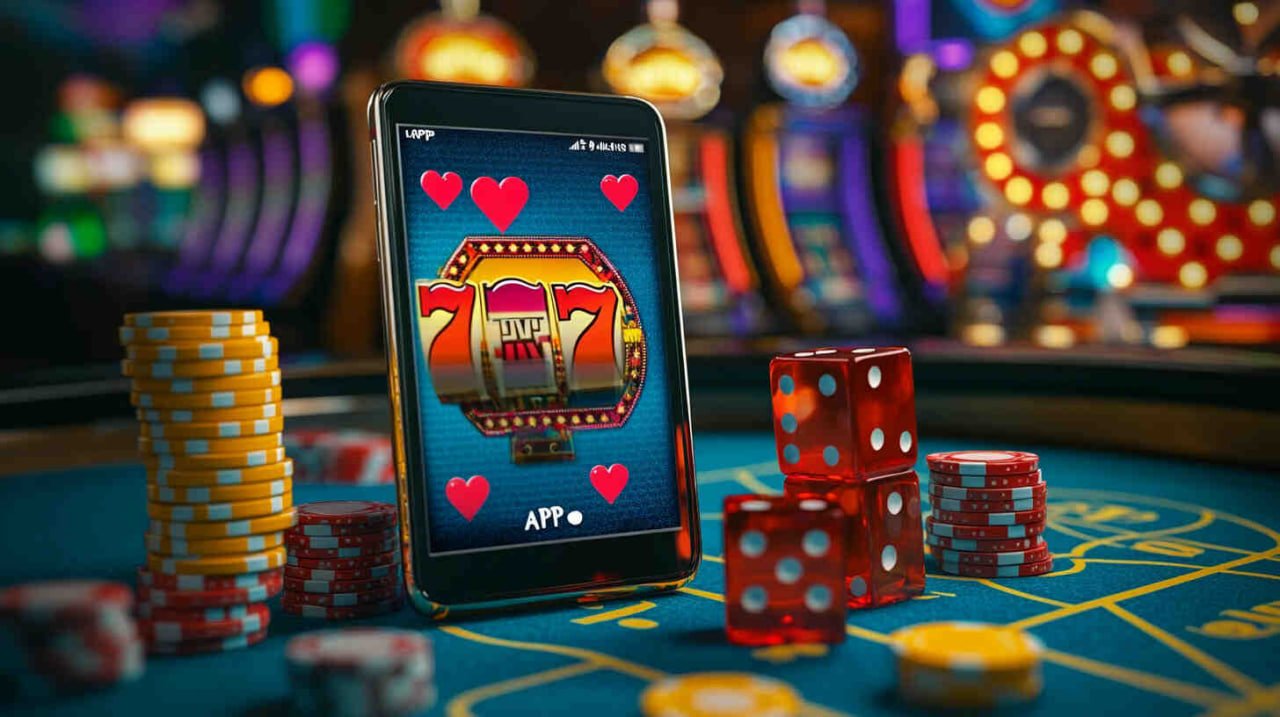
ss333 App Available Now

Ss333 App – Take the Casino, Bingo, and Betting in Your Pocket Wherever You Go

The SS333 app was built for players who don't want to miss a single game, promotion, or moment of entertainment — whether on the bus, at home, or anywhere in Brazil. Everything you need is just a tap away.

Android iOS Secure Fast

ss333
4.8★ Average Rating
+500k Downloads in Brazil
24/7 Always Available
<3s Loading Time

Available for Android and iOS

Whatever phone you have, SS333 has an optimized version for you. The app has been tested on the most widely used devices in Brazil.

Android

The SS333 APK for Android is installed directly through the browser, with no app store required. Compatible with Android 7.0 or higher, it runs smoothly on both budget and high-end phones.

Android 7.0+ ~45 MB Automatic updates
Download for Android

IPhone / iOS

On iPhone, SS333 can be added to the home screen as a Progressive Web App (PWA), offering a native app experience without taking up storage space on your device.

iOS 13+ Lightweight PWA Home screen
Install on iPhone
ss333

How to Install the ss333 App on Android

Installing the ss333 app on Android is simple and takes less than two minutes. No Google Play account needed — the process is done directly through your mobile browser, no complications.

1
Access the site from your phone

Open your Android browser — Chrome, Firefox, or any other — and go to ss333.vu. The page automatically detects that you are on mobile.

2
Tap "Download the App"

On the app page, tap the download button. The SS333 APK file will be downloaded directly to your phone's downloads folder.

3
Allow installation from unknown sources

On first install, Android will ask permission to install apps from outside the Play Store. Go to Settings > Security and enable the option for your browser. This only needs to be done once.

4
Install and open ss333

Tap the downloaded APK file and confirm the installation. Within seconds the ss333 icon appears on your home screen, ready to play.

5
Log in or register

Already have an account? Just log in. If not, registration is quick — your CPF, email, and a password are all you need to get started.

How to Add the SS333 to iPhone Home Screen

On iPhone, SS333 uses PWA (Progressive Web App) technology, which lets you install the site like a native app — taking up no space and requiring no manual updates. The experience is virtually identical to an App Store app.

One of the great advantages of the PWA is that it is always up to date. Whenever ss333 launches a new feature or promotion, it appears automatically on your icon without needing to download anything new. For iPhone users with limited storage, this is a real convenience.

1
Open Safari on iPhone

The SS333 PWA works best on Safari. Go to ss333.vu directly in the address bar.

2
Tap the share icon

In Safari's bottom bar, tap the share icon (the box with an arrow pointing up). A menu with several options will appear.

3
Select "Add to Home Screen"

Scroll through the menu and tap "Add to Home Screen". Confirm the name as "SS333" and tap "Add" in the top right corner.

4
Done — open it like an app

The SS333 icon will appear on your home screen. Tap it and the app opens full screen, with no browser bar — just like a native app.

ss333

Everything from ss333 in the Palm of Your Hand

The SS333 app is not a stripped-down version of the platform. It is the full SS333 experience, with all sections, games, and features available directly from your phone.

Live Bingo

Access all ss333 bingo rooms in real time. Live chat with other players, extra cards, and draws happening at any time.

Full Casino

Slots, roulette, blackjack, and Live Casino with real dealers — all available on the ss333 app with image quality optimized for mobile screens.

Sports Betting

Bet on football, basketball, volleyball, and more. The ss333 app displays real-time updated odds and supports live betting during matches.

Deposit and Withdrawal via Pix

Make deposits and request withdrawals directly through the app. Pix is processed in seconds — no waiting, no hassle, available 24 hours a day.

Exclusive App Promotions

Ss333 app users have access to special offers that do not appear in the desktop version. Real-time notifications alert you whenever a flash promotion is launched.

Full Account and History

Check your betting history, track bonus rollover progress, manage responsible gaming limits, and update your details — all through the app.

Smart Notifications

The SS333 app sends personalized alerts about active promotions, betting results, incoming weekly cashback, and VIP tournament invitations.

Built-In Dark Mode

SS333's design is built with nighttime use in mind. The app uses a dark interface by default, which reduces eye strain and matches the platform's neon aesthetic.

Real-Time Support

SS333 support chat is available directly in the app. If you have any questions about deposits, bonuses, or your account, the team responds within minutes.

ss333

Why Is the SS333 App Different from the Rest

Many online entertainment platforms look great on desktop but feel outdated the moment you open them on mobile. At SS333, it was different from the start: the app was designed mobile-first, then adapted for desktop — not the other way around.

This makes a real difference day to day. The buttons are large enough to tap without errors. The menu is clean, without visual clutter. Games load in under 3 seconds even on slower 4G connections, like those common in rural areas of Brazil. And the layout adapts perfectly to any screen size — from a modest 5-inch phone to a 12.9-inch iPad.

Another thing SS333 players consistently highlight is stability. It's frustrating to lose a bet because the app froze or a session expired at the worst possible moment. The SS333 technical team runs continuous monitoring of the mobile infrastructure, keeping the app at high uptime even during peak hours — such as Brasileirão matches or major live bingo tournaments.

For users who use biometrics on their phone, the SS333 app supports login via fingerprint or facial recognition. No more typing your password every time you want to play — one tap on the sensor opens your account.

Biometric Login Works on 4G Mobile-first Design High Stability

Comparison: ss333 App vs. Mobile Browser

You can also play on ss333 through your mobile browser — but the app delivers a noticeably superior experience in several ways.

Feature ss333 App Mobile Browser
Loading speed Faster Slower
Push notifications Yes No
Login with biometrics Available Limited
Exclusive promotions Extra offers Standard
Connection stability Optimized Variable
Offline access (limited mode) Partial via PWA No
Icon on the home screen Yes No
Full access to games Total Total

Security on the ss333 App

Playing on mobile requires the same level of protection as any online financial transaction. ss333 takes this seriously.

SSL Encryption

All ss333 app connections use 256-bit SSL encryption. Your account data and financial transactions are always transmitted securely.

Two-Factor Authentication

Enable 2FA on your ss333 account for an extra layer of security. The verification code is sent by email or authenticator app.

Data Privacy

SS333 does not share your personal data with third parties without authorization. See the Privacy Policy to understand how your information is handled.

Secure Payments via Pix

Deposits and withdrawals via Pix in the ss333 app use verified keys and CPF confirmation. No transaction is processed without double validation.

Questions about the ss333 App

Yes, downloading and installing the SS333 app is completely free, for both Android and iPhone. There are no installation fees, monthly charges, or usage costs. You only move money when you voluntarily choose to make a deposit to play.

No. If you already have an SS333 account, just log in to the app with the same email and password. Your balance, betting history, active bonuses, and VIP level are automatically synced between the app and the desktop version — all in one unified account.

The SS333 app is optimized for efficient resource usage. The Android APK takes up around 45 MB of storage, and the iPhone PWA uses virtually no local space. In terms of battery, consumption is comparable to other streaming apps — live games with video use a bit more, which is expected on any platform of this type.

Yes. The ss333 app has a full finance section where you can deposit via Pix, boleto bancário, or credit/debit card, and request withdrawals to your registered Pix key. Pix deposits are credited in seconds, and withdrawals are usually processed within minutes of the request.

SS333 tested the app on a wide range of Android devices, including mid-range models with 2 GB of RAM and Android 7.0. Overall, the app runs well on these specs. For iPhone, the PWA works from iOS 13 onward, which covers the vast majority of devices currently in use in Brazil.

On first install, the SS333 app will ask permission to send notifications. By accepting, you will receive alerts about flash promotions, betting results, available weekly cashback, and tournament invitations. You can manage which types of notifications you receive directly in the app settings or your phone's settings.

For Android, the app automatically checks for updates when opened. When a new version is available, you receive a notification inside the app to download it. For iPhone, the PWA updates automatically every time you open the app with an internet connection, with no action required on your part.
ss333 App Information

The SS333 app is intended exclusively for users aged 18 and over. The entertainment offered involves real-money betting and must be practiced responsibly. Play within your limits and use the responsible gaming tools available on the platform.

For more information, visit Terms and Conditions, Privacy Policy and Responsible Gaming.

Download the ss333 App and Play From Anywhere

Install in under 2 minutes, create your account for free, and enjoy the welcome bonus directly from your phone.

Português (Brasil)